

Overview
API keys are managed from Settings → API Keys in the dashboard. Use Generate new API key to create one, and the edit button of a key to change its description or permissions.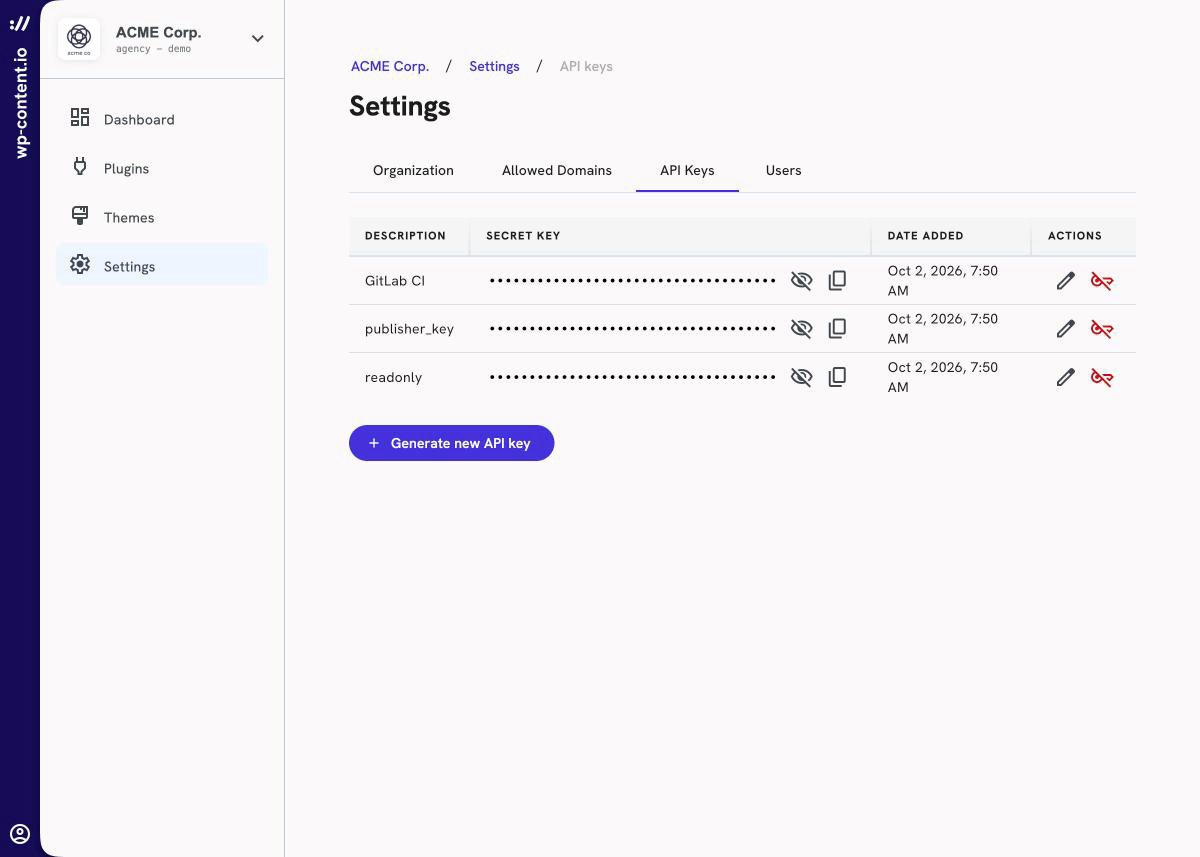
publisher_key and readonly. Both of the keys are scoped on “themes” and “plugins”.
The readonly key let you see the list and download your different plugins and themes versions but cannot be used to upload a new artifact.
You can revoke a key anytime by deleting it. Be careful, each key are unique so if you delete it, you will have to change the key everywhere you use it.
Understanding scopes and permissions
API Keys can be scoped onplugins and themes. For each scope, you can choose to apply permissions gradually:
read: See list and plugin or theme detailsupdate: Upload a new artifact and update plugin or theme detailscreate: Create a new plugin or themedelete: Delete an existing plugin or theme
api_keys scope: owners and admins have it by default, and it can also be granted to a member with a custom role.
Need more details about scopes and permissions?
Check out the full list of available scopes and what each permission allows on this page.