> ## Documentation Index
> Fetch the complete documentation index at: https://docs.wp-content.io/llms.txt
> Use this file to discover all available pages before exploring further.
# Manage API Keys
API keys allow your WordPress sites to connect securely to your organization and retrieve update information for your private plugins and themes.
## Overview
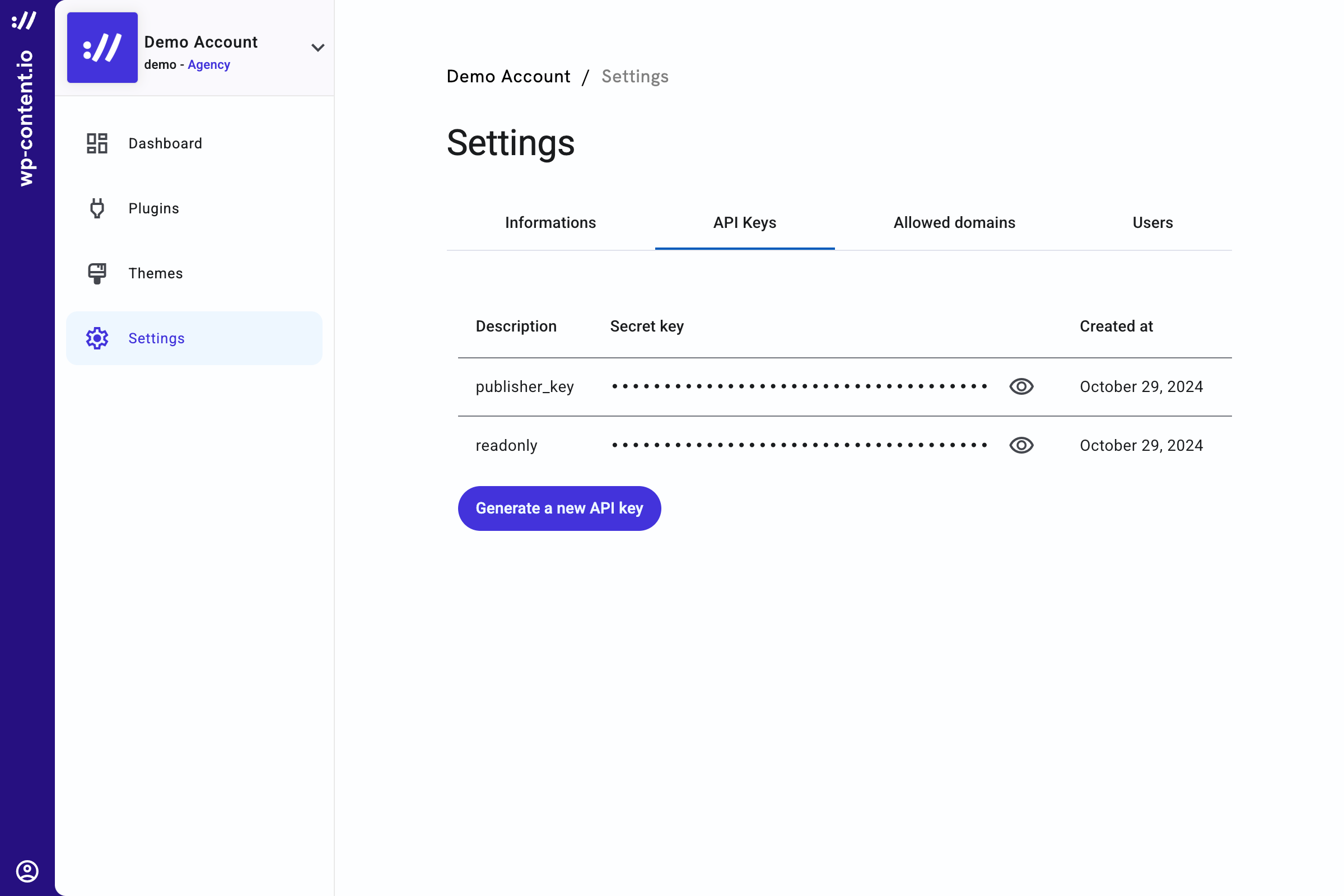 When an organization is created, two API Keys are generated named `publisher_key` and `readonly`. Both of the keys are scoped on "themes" and "plugins".
The `readonly` key let you see the list and download your different plugins and themes versions but cannot be used to upload a new artifact.
The `publisher_key` should be kept securely. **Everyone with this key** will be able to perform all actions on your account, including **deleting your data**.
You can revoke a key anytime by deleting it. Be careful, each key are unique so if you delete it, you will have to change the key everywhere you use it.
## Understanding scopes and permissions
There are two scopes available for API Keys : `plugins` and `themes`. For each scope, you can choose to apply permissions gradually:
1. `read` : See list and plugin or theme details
2. `update` : Upload a new artifact and update plugin or theme details
3. `create` : Create a new plugin or theme
4. `delete` : Delete an existing plugin or theme
Only owners and admins can manage API Keys.
**Need more details about scopes and permissions?**
Check out the full list of available scopes and what each permission allows [on this page](/account/users#available-scopes-and-permissions).
When an organization is created, two API Keys are generated named `publisher_key` and `readonly`. Both of the keys are scoped on "themes" and "plugins".
The `readonly` key let you see the list and download your different plugins and themes versions but cannot be used to upload a new artifact.
The `publisher_key` should be kept securely. **Everyone with this key** will be able to perform all actions on your account, including **deleting your data**.
You can revoke a key anytime by deleting it. Be careful, each key are unique so if you delete it, you will have to change the key everywhere you use it.
## Understanding scopes and permissions
There are two scopes available for API Keys : `plugins` and `themes`. For each scope, you can choose to apply permissions gradually:
1. `read` : See list and plugin or theme details
2. `update` : Upload a new artifact and update plugin or theme details
3. `create` : Create a new plugin or theme
4. `delete` : Delete an existing plugin or theme
Only owners and admins can manage API Keys.
**Need more details about scopes and permissions?**
Check out the full list of available scopes and what each permission allows [on this page](/account/users#available-scopes-and-permissions).